


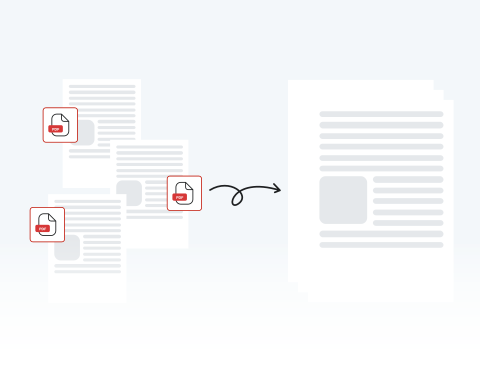

Organize your documents with a merged PDF
Skip the chaos of scattered files by consolidating them into a single, organized document, making it simple to compile receipts for a specialized report or organize chapters for a book.
Have too many documents and want to reduce clutter on your device? Try our secure, online PDF merger tool to safely organize your files in minutes and optimize your storage.

or drag and drop

SSL Encryption - Supports PDF up to 100 MB and other formats and extensions up to 25 MB



Keep reading to learn how to combine PDF files with our tool and put your notes, drafts, and more into a single document for a more efficient workflow.
You can combine PDF files in just 4 easy steps using our intuitive platform:
Upload the file you want merged by dragging and dropping or by clicking "Upload Document".
Add the documents you want combined with the original file that you uploaded.
Combine your PDF files into one.
Save your finished file and put it to use.
Skip the chaos of scattered files by consolidating them into a single, organized document, making it simple to compile receipts for a specialized report or organize chapters for a book.

Go beyond simple file combination by correcting typos, adding signatures, or highlighting key concepts directly within our all-in-one PDF editing platform.

Easily upload, reorder, and combine your documents in minutes with MergedPDF’s straightforward interface designed for experienced professionals and casual users.

Your privacy is our priority, which is why our tool uses industry-standard SSL encryption. Process your documents with confidence, knowing our platform is built to keep your files confidential and 100% secure.

Access our PDF merger from any device or browser, including Chrome, Firefox, and Safari, without compatibility problems or needing to download any additional software.

Our tool can be used anytime, anywhere with an internet connection on your computer, laptop, or smartphone.

Start by creating a free account and make it easy to edit, convert, compress, and split your files!
Everything you need to know about merging documents.

