


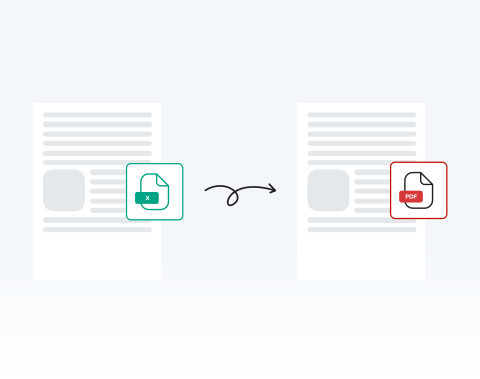

Save time with instant online conversion
Upload your Excel spreadsheet and receive a ready-to-share PDF within seconds. No waiting for heavy software to open. No exporting errors. You stay productive and meet deadlines confidently.
Converta rapidamente suas planilhas do Excel com nossa poderosa ferramenta.

or drag and drop

SSL Encryption - Supports PDF up to 100 MB and other formats and extensions up to 25 MB



Ready to get started with the best-rated tool to convert Excel to PDF? Find out how it works below.
Converta sua planilha em PDF instantaneamente:
Select and upload your Excel sheet directly from your device.
Click the ‘‘Convert’’ button to start the conversion instantly.
Confirm PDF as your desired output.
Download your finished PDF immediately or share it securely.
Upload your Excel spreadsheet and receive a ready-to-share PDF within seconds. No waiting for heavy software to open. No exporting errors. You stay productive and meet deadlines confidently.

Our system preserves tables, charts, cell alignment, and layout structure exactly as designed. Your converted PDF maintains professional consistency across devices and printers.

Using Microsoft Windows, macOS, or Linux? You can convert your Excel files directly in your browser without compatibility issues or additional configuration. Use the online tool no matter where you are in the world, at any time.

Use your PC, tablet, Android phone, or Apple device to turn spreadsheets into PDFs online. This flexibility empowers remote teams, field professionals, and traveling executives to work without interruption. All you need to get started is an internet connection.

You can open MergedPDF in Chrome, Opera, Edge, Safari, or Firefox and start converting your spreadsheet files immediately. You don’t need any extra extensions, so you can start right away.

Your files are protected with SSL encryption during upload and processing. After converting your Excel file to PDF, you can delete your documents from our servers for added privacy.



Start by creating a free account and make it easy to edit, convert, compress, and split your files!
Everything you need to know about converting Excel to PDF.
Converter Excel para PDF ajuda a manter a formatação e o layout do documento, garantindo que o conteúdo apareça da mesma forma em todos os dispositivos.
É também um formato mais universal para compartilhamento, já que nem todos têm o Excel ou um software de planilhas compatível.
Com certeza! Nossa ferramenta prioriza a segurança do usuário, garantindo que todos os arquivos Excel enviados sejam criptografados durante o processo de conversão e sejam excluídos de nossos servidores após um determinado período.
Não, nosso conversor de Excel para PDF é totalmente online. Você não precisará baixar ou instalar nenhum software no seu dispositivo.
Sim, como nosso conversor é baseado na web, ele funciona perfeitamente no Windows, Mac e até mesmo em dispositivos móveis.
Sim, oferecemos uma ferramenta de conversão de PDF para Excel. Você pode acessá-lo em nossa plataforma e converter seus documentos conforme necessário.

