


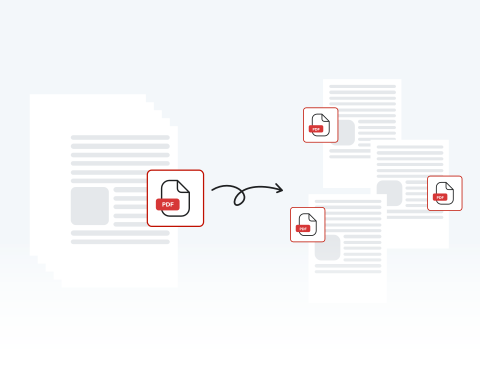

Effortlessly split PDF pages
Our user-friendly platform lets you divide one PDF document into many with just a few clicks. Making things quick and easy for users is our top priority.
Estrai e dividi pagine PDF in un attimo.

or drag and drop

SSL Encryption - Supports PDF up to 100 MB and other formats and extensions up to 25 MB



Keep reading to learn how to split PDF files with our tool and improve your document workflow.
With our PDF page splitter, it couldn't be easier to divide and edit your document.
Drag and drop or hit "Upload" and find your file
This button will let you split and reorganize the pages of your PDF
Remove, change, or extract pages from your original PDF
Download, share, and/or print
Our user-friendly platform lets you divide one PDF document into many with just a few clicks. Making things quick and easy for users is our top priority.

MergedPDF takes security very seriously. We safeguard your files and data using encryption and secure servers. After you’ve finished using our tool, we delete your files to be sure they’re kept private.

Try out the different functions of our PDF splitter to divide documents into separate pages and save them as multiple files, or extract specific pages to save as new PDFs.

MergedPDF’s Splitter is compatible with any device as long as you’re connected to the internet. Smartphone, tablet, PC, Mac. We support them all! Take advantage of our tools, whatever you use.

There’s no need to download or install any software to start splitting PDFs. Our platform is completely online. All you need is an internet connection, and you can split a PDF into multiple files.

With versatile functions, a simple-to-use interface, and universal compatibility, our site is the best place to divide and organize your documents. Split a PDF online with MergedPDF today!

Start by creating a free account and make it easy to edit, convert, compress, and split your files!
Everything you need to know about splitting PDFs.
Uno splitter PDF online è uno strumento basato sul Web che consente di dividere un singolo documento PDF in più file separati. Il nostro strumento può estrarre pagine specifiche o dividere il documento a intervalli predefiniti.
Sì, puoi scegliere di dividere ogni pagina di un PDF multipagina in singoli file PDF. Seleziona l'opzione per dividere ogni pagina e lo strumento genererà PDF separati per ogni pagina.
No, non è necessario installare alcun software. Il nostro splitter PDF funziona interamente online tramite il tuo browser web, rendendolo comodo e accessibile da qualsiasi dispositivo con accesso a Internet.
Se hai problemi con la divisione del PDF, assicurati che il file non sia danneggiato e riprova. Se il problema persiste, contatta l'assistenza clienti per ricevere assistenza.
Sì, diamo priorità alla tua privacy e alla sicurezza dei dati. I file caricati sono in genere crittografati e vengono archiviati solo temporaneamente durante il processo di suddivisione.

