



Fully online service
Work entirely in your browser. There is no software to install, and no storage space consumed on your device. All you need to get started is a device with an internet connection.
当社の効率的なツールを使用すると、PDFを瞬時にJPGに変換します。

or drag and drop

SSL Encryption - Supports PDF up to 100 MB and other formats and extensions up to 25 MB



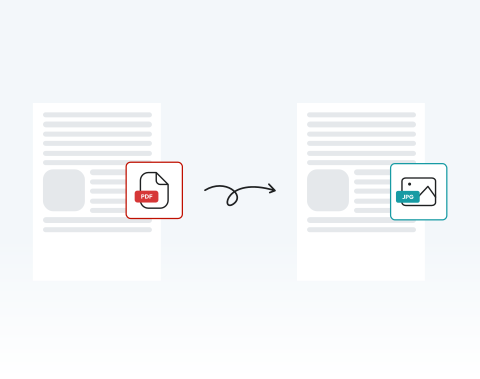
Convert PDFs to JPGs anytime, anywhere, with our top-rated tool.
Drag and drop your file into the upload area or click the upload button.
Click the "Convert" button.
Click on the JPG file format option.
Save your converted page as a JPG image.
Work entirely in your browser. There is no software to install, and no storage space consumed on your device. All you need to get started is a device with an internet connection.

Our optimized system converts from PDF to JPG within seconds, even for multi-page documents. This keeps your projects on schedule and your team productive.

Our tool works on Microsoft Windows, macOS and Linux. You can convert .pdf to .jpg from any operating system without compatibility issues.

Use your PC, tablet, Android phone, or Apple device. The platform adapts seamlessly, allowing you to convert PDF to JPG online from the office, classroom, or on the move.

Works flawlessly on Chrome, Opera, Edge, Safari, and Firefox. No plugins required. Just open your browser and start converting.

All uploads are protected with SSL encryption. Your documents remain confidential throughout the entire conversion process. Enjoy peace of mind when handling contracts, internal reports, or legal records.



Start by creating a free account and make it easy to edit, convert, compress, and split your files!
Everything you need to know about converting PDF to JPG.
PDFファイルをアップロードし、必要な変更を加えた後、「変換」ボタンをクリックするだけです。数秒後、変換されたJPGファイルをダウンロードまたは共有できます。
さまざまなファイル形式をJPGに変換できるツールを複数ご提供しています。必要なツールの種類に対応したページにアクセスするだけです。
JPGとJPEGは基本的に同じ形式で、「.jpg」と「.jpeg」は異なるファイル拡張子です。当社のコンバーターは両方の形式に対応しています。
もちろんです!当社の包括的なツールには、必要に応じて文書を編集するためのさまざまな機能が備わっています。編集が完了したら「変換」をクリックすると、変更内容が反映された新しいJPGファイルが生成されます。

