


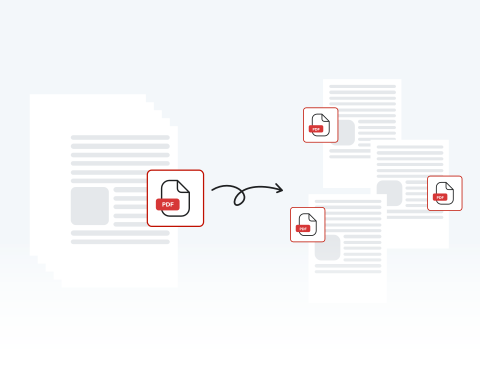

Effortlessly split PDF pages
Our user-friendly platform lets you divide one PDF document into many with just a few clicks. Making things quick and easy for users is our top priority.
PDFページを瞬時に抽出して分割します。

or drag and drop

SSL Encryption - Supports PDF up to 100 MB and other formats and extensions up to 25 MB



Keep reading to learn how to split PDF files with our tool and improve your document workflow.
With our PDF page splitter, it couldn't be easier to divide and edit your document.
Drag and drop or hit "Upload" and find your file
This button will let you split and reorganize the pages of your PDF
Remove, change, or extract pages from your original PDF
Download, share, and/or print
Our user-friendly platform lets you divide one PDF document into many with just a few clicks. Making things quick and easy for users is our top priority.

MergedPDF takes security very seriously. We safeguard your files and data using encryption and secure servers. After you’ve finished using our tool, we delete your files to be sure they’re kept private.

Try out the different functions of our PDF splitter to divide documents into separate pages and save them as multiple files, or extract specific pages to save as new PDFs.

MergedPDF’s Splitter is compatible with any device as long as you’re connected to the internet. Smartphone, tablet, PC, Mac. We support them all! Take advantage of our tools, whatever you use.

There’s no need to download or install any software to start splitting PDFs. Our platform is completely online. All you need is an internet connection, and you can split a PDF into multiple files.

With versatile functions, a simple-to-use interface, and universal compatibility, our site is the best place to divide and organize your documents. Split a PDF online with MergedPDF today!

Start by creating a free account and make it easy to edit, convert, compress, and split your files!
Everything you need to know about splitting PDFs.
オンラインPDF分割ツールは、単一のPDF文書を複数の独立したファイルに分割できるウェブベースのツールです。当ツールは、特定のページを抽出したり、事前に定義された間隔で文書を分割したりできます。
はい、複数ページのPDFの各ページを個別PDFファイルに分割する選択が可能です。「全ページ分割」オプションを選択すると、ツールが各ページごとに個別のPDFを生成します。
いいえ、ソフトウェアのインストールは不要です。当社のPDF分割ツールは、ウェブブラウザ経由で完全にオンライン動作するため、インターネット接続環境があればどのデバイスからでも便利に利用できます。
PDFの分割に問題がある場合は、ファイルが破損していないことを確認し、再度お試しください。問題が解決しない場合は、カスタマーサポートまでお問い合わせください。
はい、当社はお客様のプライバシーとデータセキュリティを最優先に考えています。アップロードされたファイルは通常暗号化され、分割処理中にのみ一時的に保存されます。

